How can I change or cancel a consultation appointment?
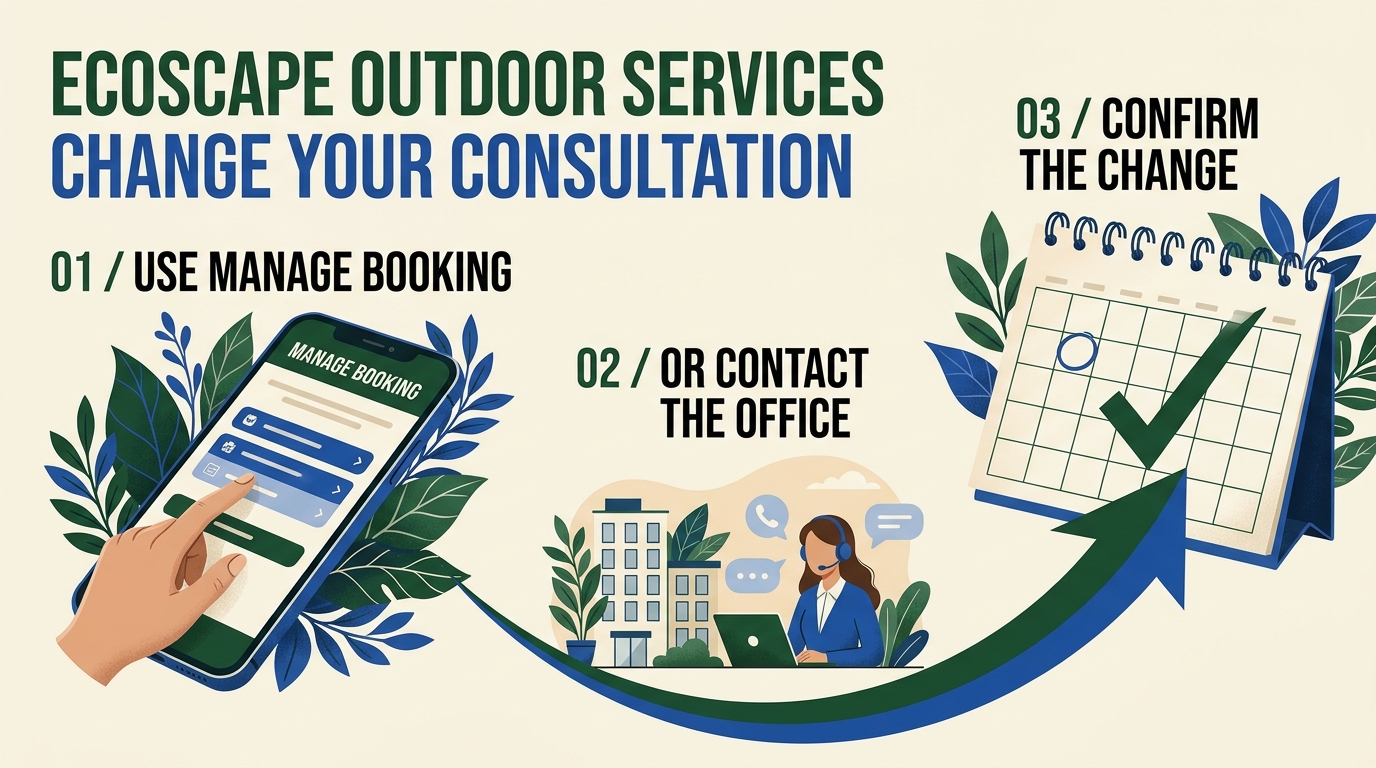
If available, use the Manage Booking button in your Wix email or the booking controls in your Wix account to request the change or cancellation. Check the appointment details carefully so you are changing the correct consultation.
If you cannot find that option or the change does not go through, contact the office with your name, property address, scheduled date and time, and whether you want to cancel or arrange another time. For a reschedule, include your preferred availability. The office can review the request and arrange a callback.
A pending consultation request is not a confirmed appointment. Likewise, an attempted change is not proof that the booking was changed or canceled. Check the actual status or ask the office to confirm before relying on it.
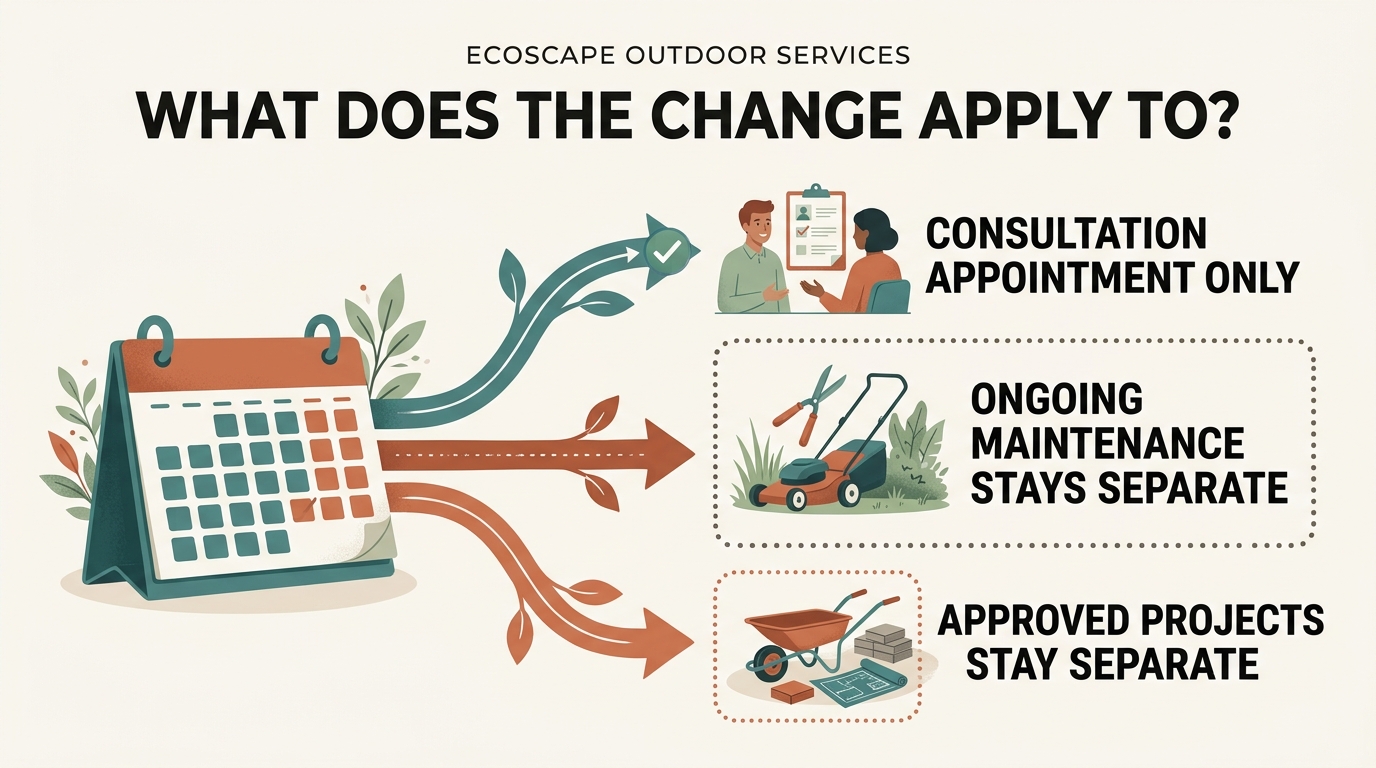
Changing a consultation is separate from canceling an approved project or ongoing lawn maintenance. It does not automatically cancel ordered materials, settle a project invoice, or end a service agreement. Tell the office explicitly if you also want to discuss those arrangements so the applicable terms can be reviewed.
Related FAQs