
How do I confirm you received my payment?
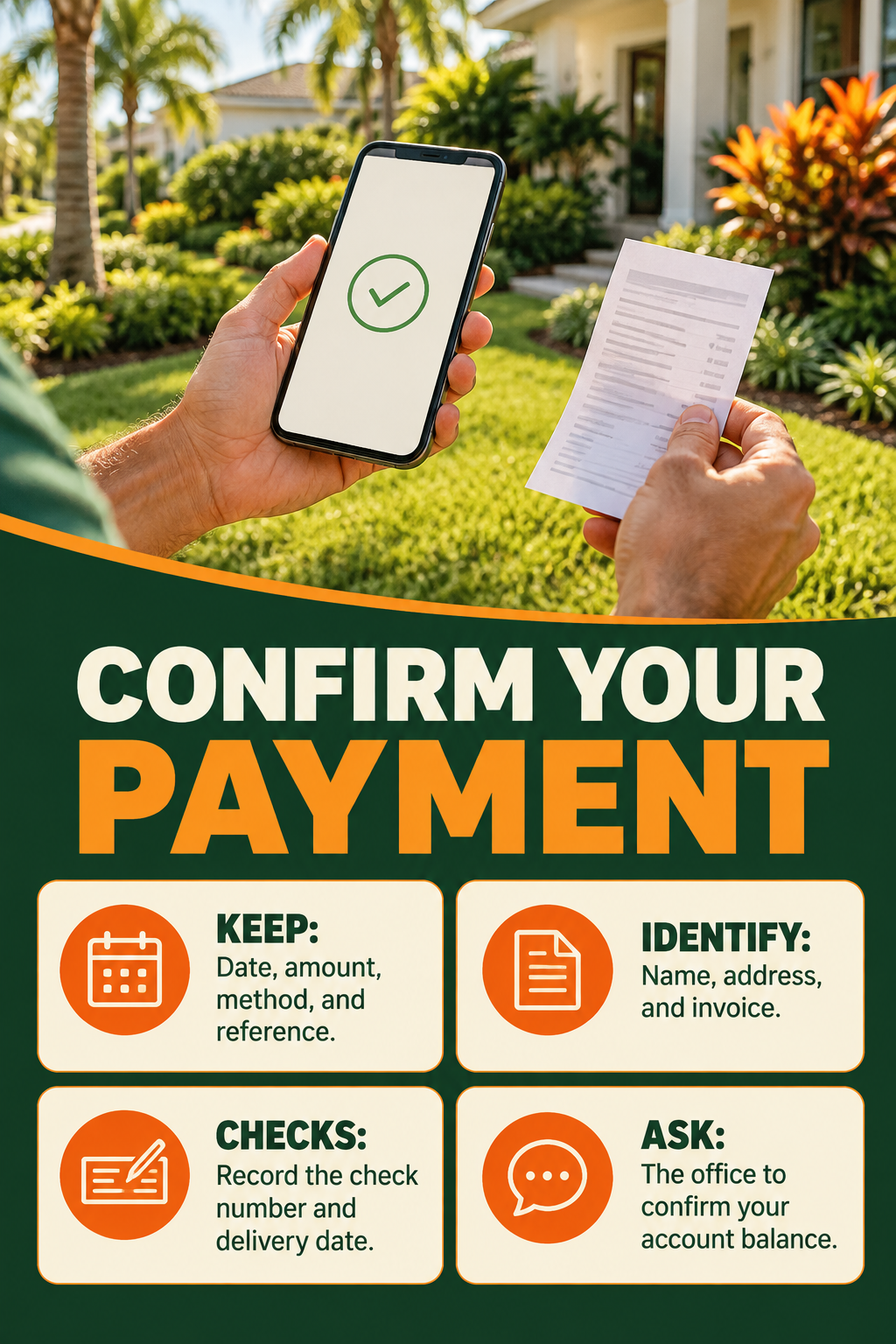
Keep the payment confirmation or transaction reference from the payment method you used. Include your name, service address, and invoice number with the payment wherever the payment method provides a reference or note field.
If you need confirmation, contact the office with the payment date, amount, method, and reference. The office reviews your account and confirms the payment recorded against your invoice. A bank or payment-app confirmation and an updated Ecoscape account balance are separate records.
For a mailed check, keep a record of the check number, amount, and mailing date. If you hand a check to the crew leader, note the date and tell the office which invoice it covers. Request a receipt or account confirmation from the office if you need one.
If your account still shows an unpaid balance after you submitted payment, contact the office with these details before sending a second payment. This helps the office trace the original payment and prevent duplicate payments.
For example, a payment may appear completed in your bank or app while you still need the office to confirm which Ecoscape invoice it was applied to. Send the transaction details needed to trace it, rather than assuming an unpaid notice means you must pay again.
Ask for confirmation of both the payment posting and any remaining account balance. This is especially helpful if your payment covers multiple invoices, only part of a balance, or a project deposit rather than the final amount. If service has been suspended, payment confirmation and the schedule for resuming service should both be checked with the office.
Call the office: (813) 518-5555(tel:+18135185555)
Related FAQs
