How do I request additional work or report missed work?

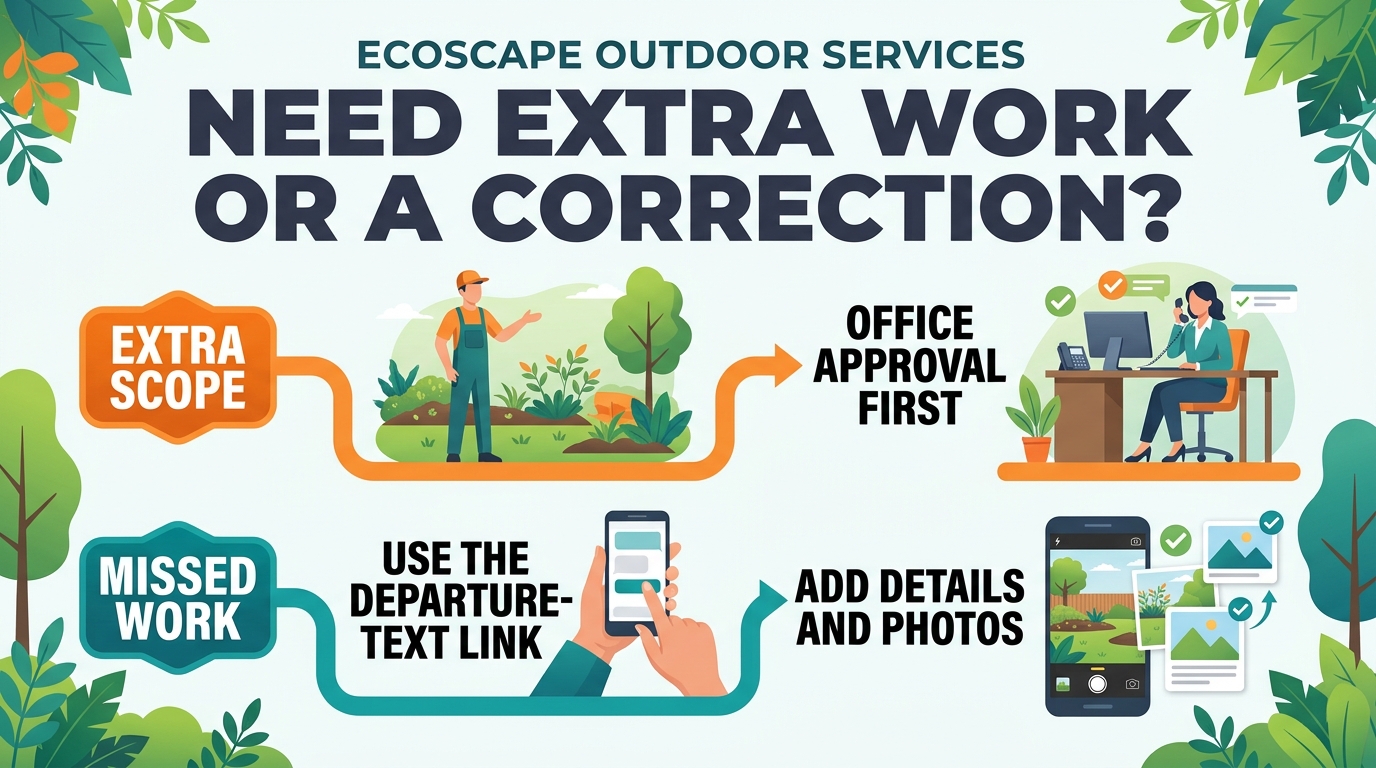
Use the special-request link in the text sent when the crew is on the way to describe an area needing attention or request additional work. Include the exact location, what you want addressed, and your priorities. Photographs are helpful when a description alone could be misunderstood. You may also contact the office directly.
For scheduled lawn maintenance covered by our maintenance notice, the crew can spend a maximum of one hour at the property, including regular service and additional requests. Requests must match your service level. If they need more time, prioritize the most important items and split them across scheduled visits in different weeks, or ask the office whether a separate job is appropriate.
Work outside your agreement requires office approval of scope, pricing, and scheduling before it is performed. Submitting a request or speaking with the crew does not by itself change your service agreement or authorize extra work.
After the crew leaves, use the missed-work reporting link in the departure text to explain any concern. Give the service date, specific area, what appears to have been missed, and photos if available. This allows the office to review the visit and determine the appropriate next step. Reporting a concern is not a confirmed return date; contact the office for follow-up on the resolution.
Request a property maintenance quote
Related FAQs