Reset Your Irrigation Controller After a Power Outage
Why This Tip Matters
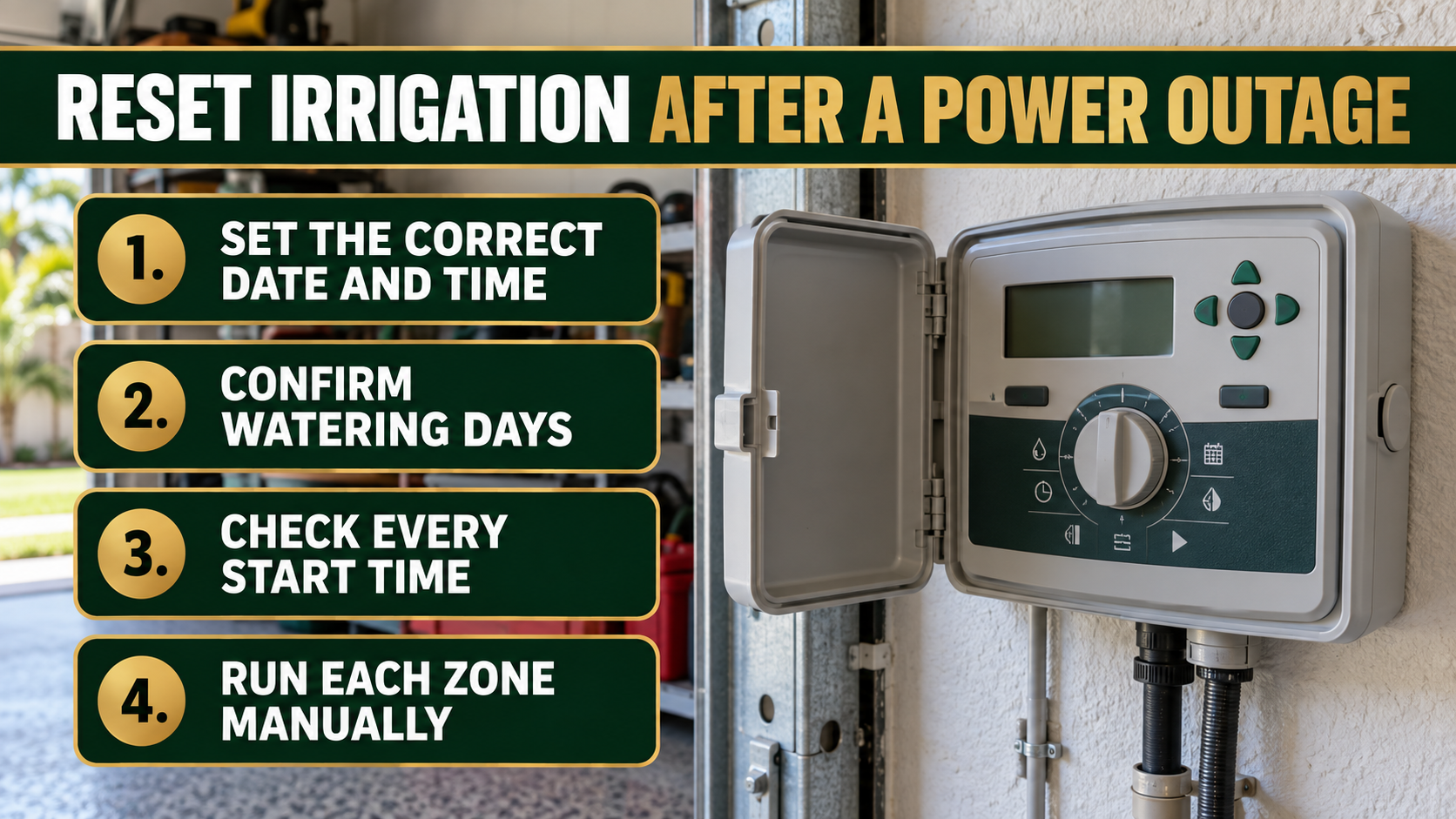
A brief power outage can leave an irrigation controller showing the wrong time, skipping programmed days, or running at an unexpected hour. Some controllers preserve the watering program but lose the clock. Others return to a default schedule. A lawn may then receive no water, too much water, or several start cycles in one day. Checking the controller after an outage takes only a few minutes and prevents days of hidden watering problems.
Start With the Display
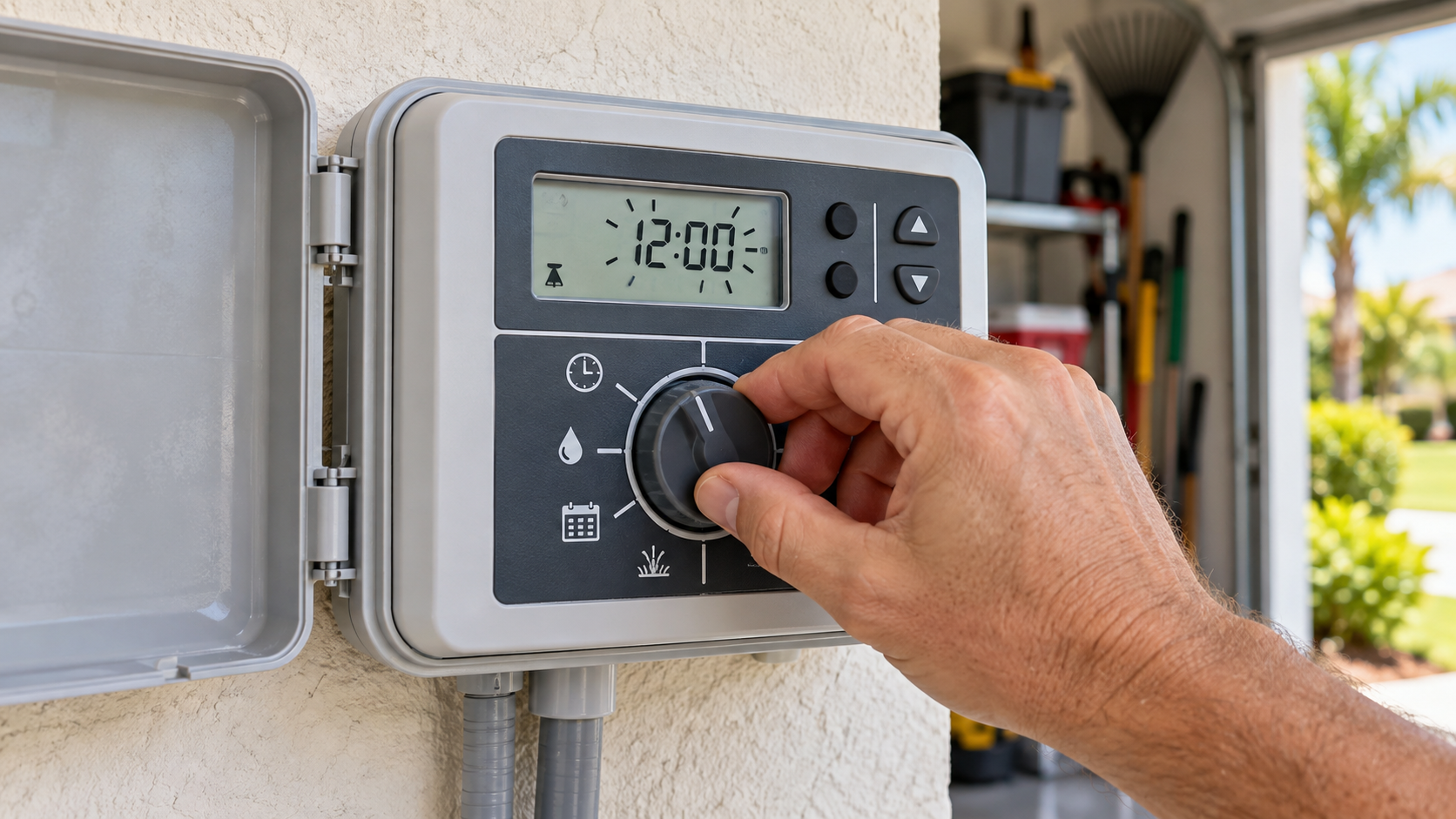
Open the controller cabinet and look for a blank screen, flashing time, error message, reset date, or unusual watering icon. Confirm the outlet or circuit has power before assuming the controller failed. If the unit uses a backup battery, inspect it according to the manufacturer’s directions. A backup battery may preserve the clock and memory, but it does not normally operate the irrigation valves during an outage. Replace a depleted battery with the correct type and dispose of the old one properly.
Set the Date and Time
Enter the correct current date, day, and time. Check AM and PM carefully. A controller set twelve hours off may run zones during the heat of the day or while people are using the property. Confirm the seasonal adjustment setting as well. If it reset above 100 percent, each zone may run longer than intended. If it reset too low, new sod and plants may receive less water than expected.
Review the Complete Program
Check every active program, not only Program A. Confirm watering days, zone run times, and all start times. A start time begins the entire program rather than one individual zone on many controllers. Three start times may run the full sequence three times. Remove accidental duplicates and disable unused programs. Verify the rain sensor or weather sensor remains active. During Tampa’s rainy season, a disabled sensor can add irrigation to already saturated soil.
Run a Manual Test
Operate each zone for a short test while walking the property. Watch for sprinkler heads that fail to rise, valves that continue running, misting, broken nozzles, blocked spray, and water hitting pavement or the building. Confirm drip zones and rotor zones run as expected. A power outage may be unrelated to a valve problem, but the manual test reveals whether the system is ready to follow the restored schedule. Stop the test if water begins pooling or a pipe appears damaged.
Match the Schedule to Current Conditions
Do not restore an old schedule without considering recent rainfall, plant establishment, local watering rules, soil moisture, and seasonal growth. Established Florida landscapes often need less irrigation during cool or wet periods. New sod or newly installed plants follow a temporary establishment schedule before moving to normal watering. Keep those needs separate so one area is not overwatered to serve another.
When to Call for Help
Professional service is appropriate when the display remains blank with confirmed power, the controller repeatedly loses memory, zones run without a command, valves will not shut off, wiring looks burned, or the system shows a recurring fault. Do not work on exposed wiring in wet conditions. Shut off the appropriate power source and irrigation water when a failed component creates a safety or flooding concern.
How Ecoscape Outdoor Services Helps
Ecoscape Outdoor Services inspects irrigation controllers, programs, sensors, valves, heads, coverage, and zone performance for South Tampa properties. We restore the correct schedule, explain the settings, document any defects, and adjust the system for current landscape conditions. A complete check gives you confidence that the controller is doing what the screen says it is doing.